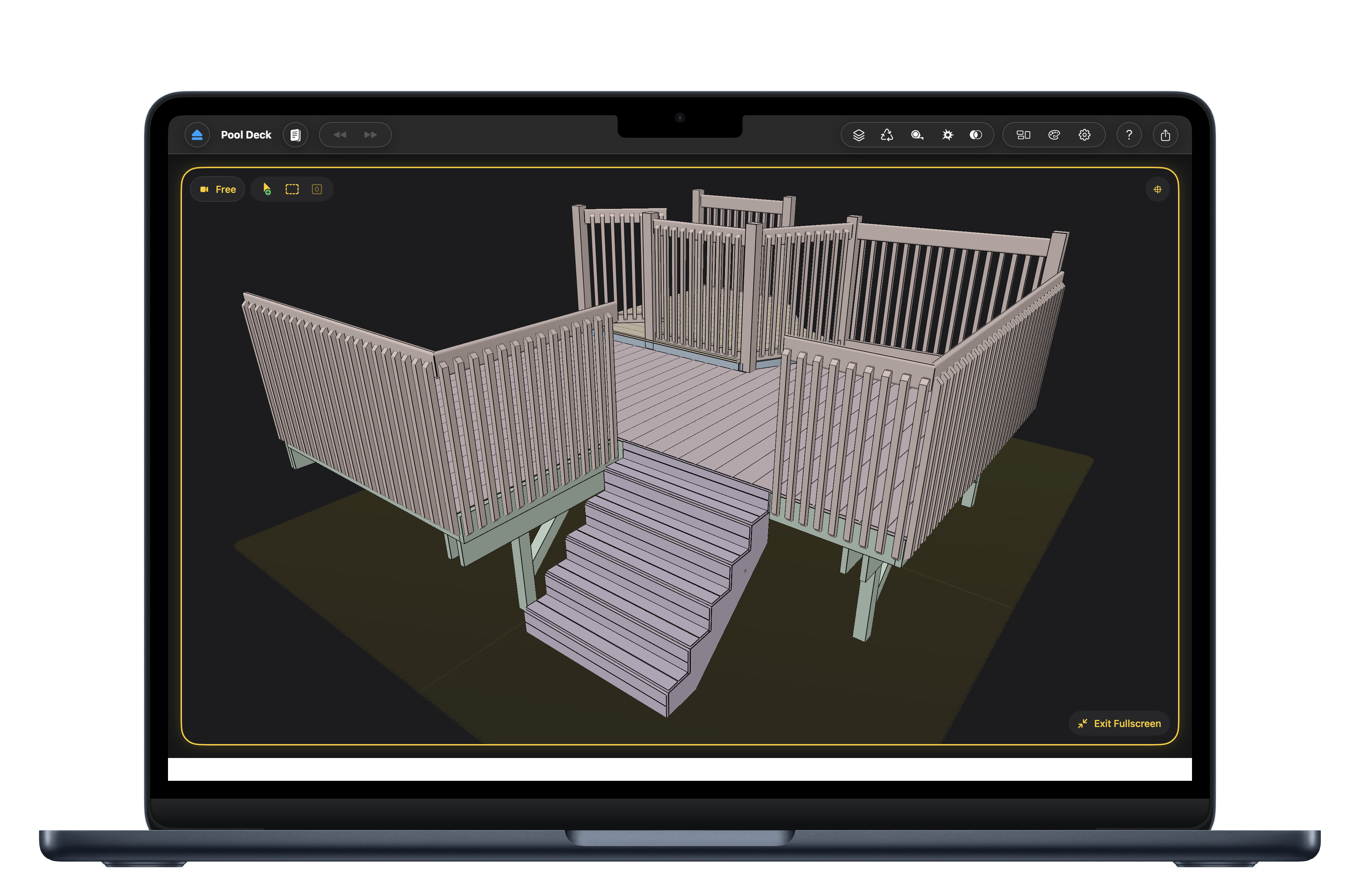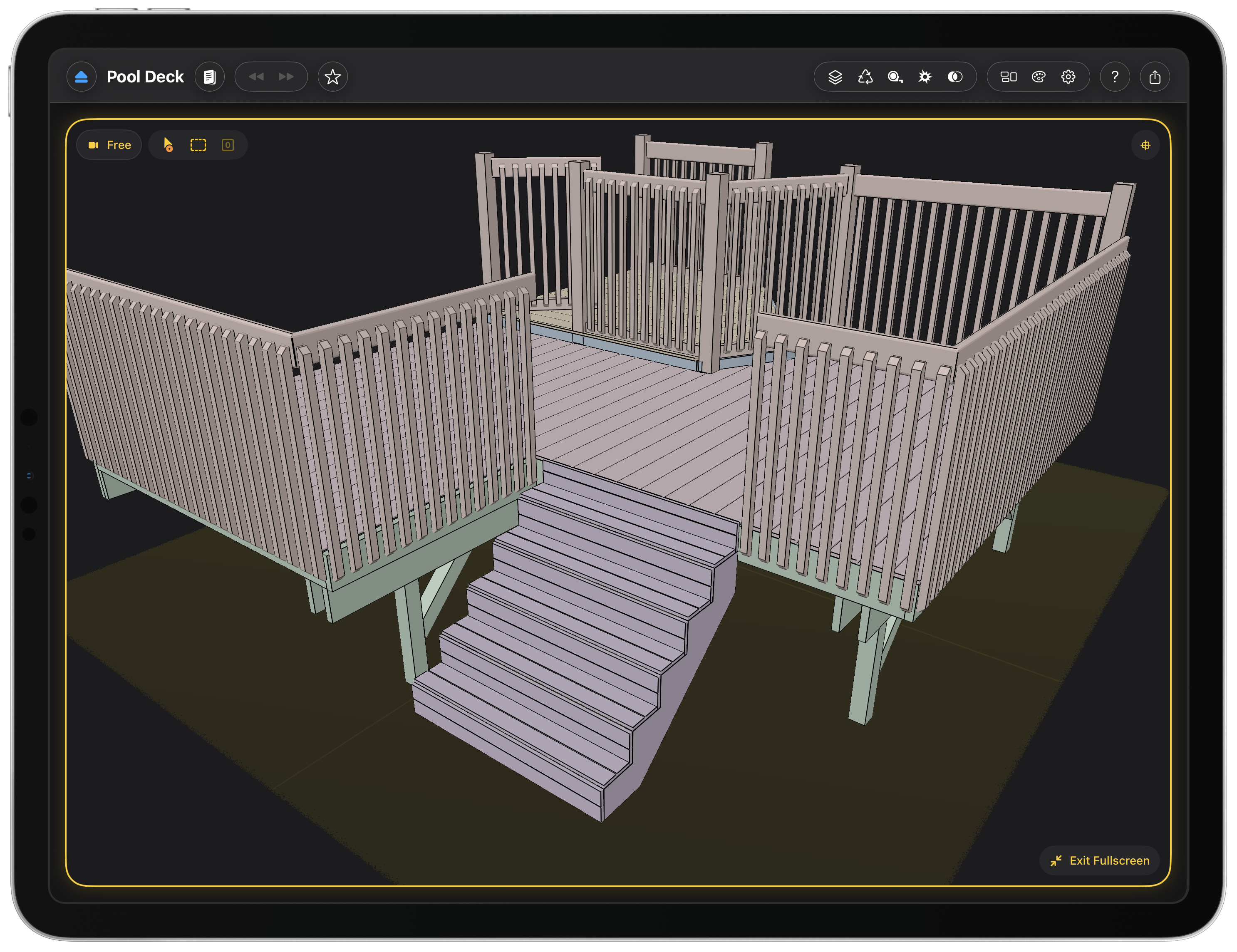
Woodcraft is a woodworking design app for Mac and iPad, built by a solo developer.
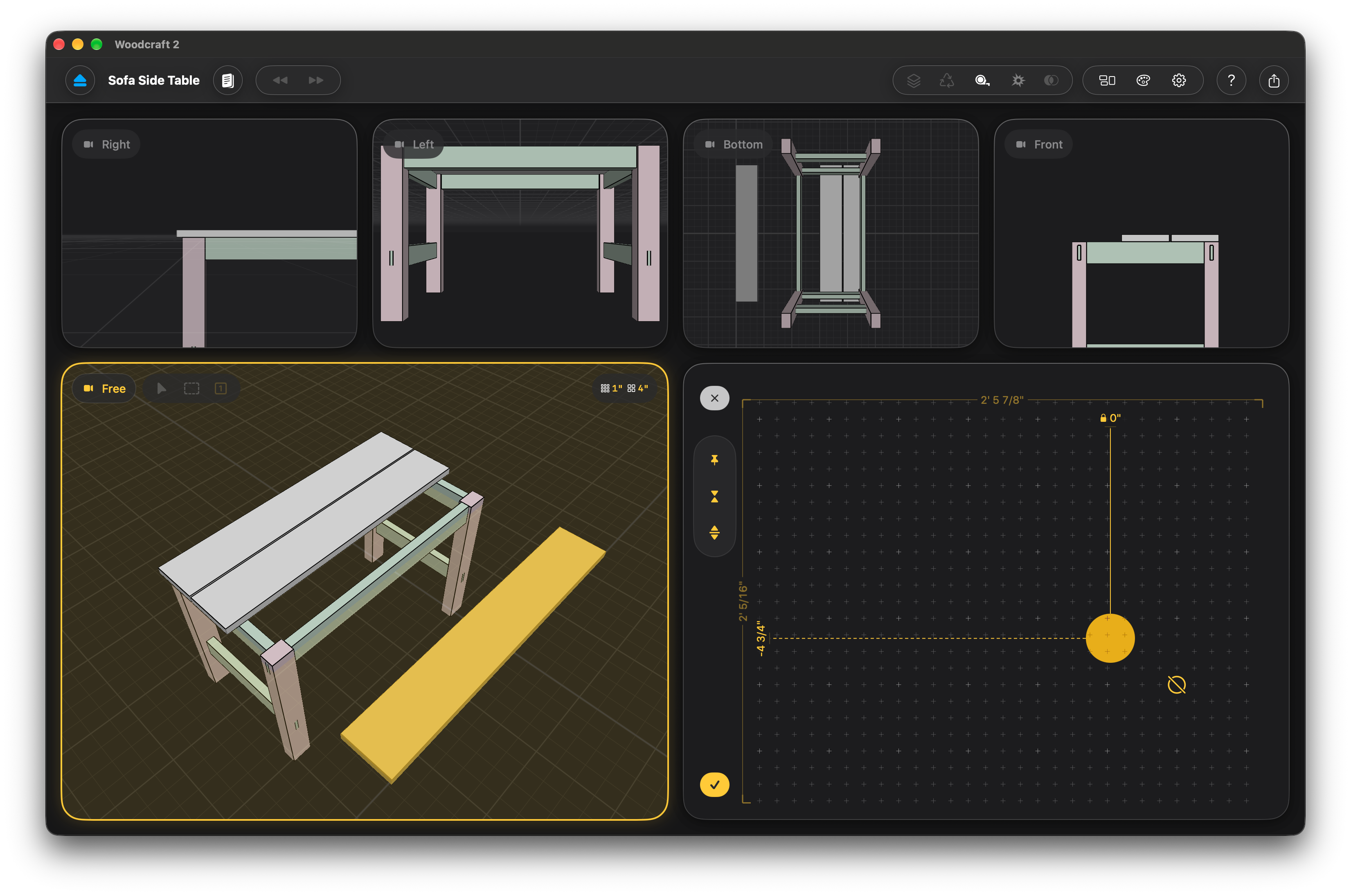
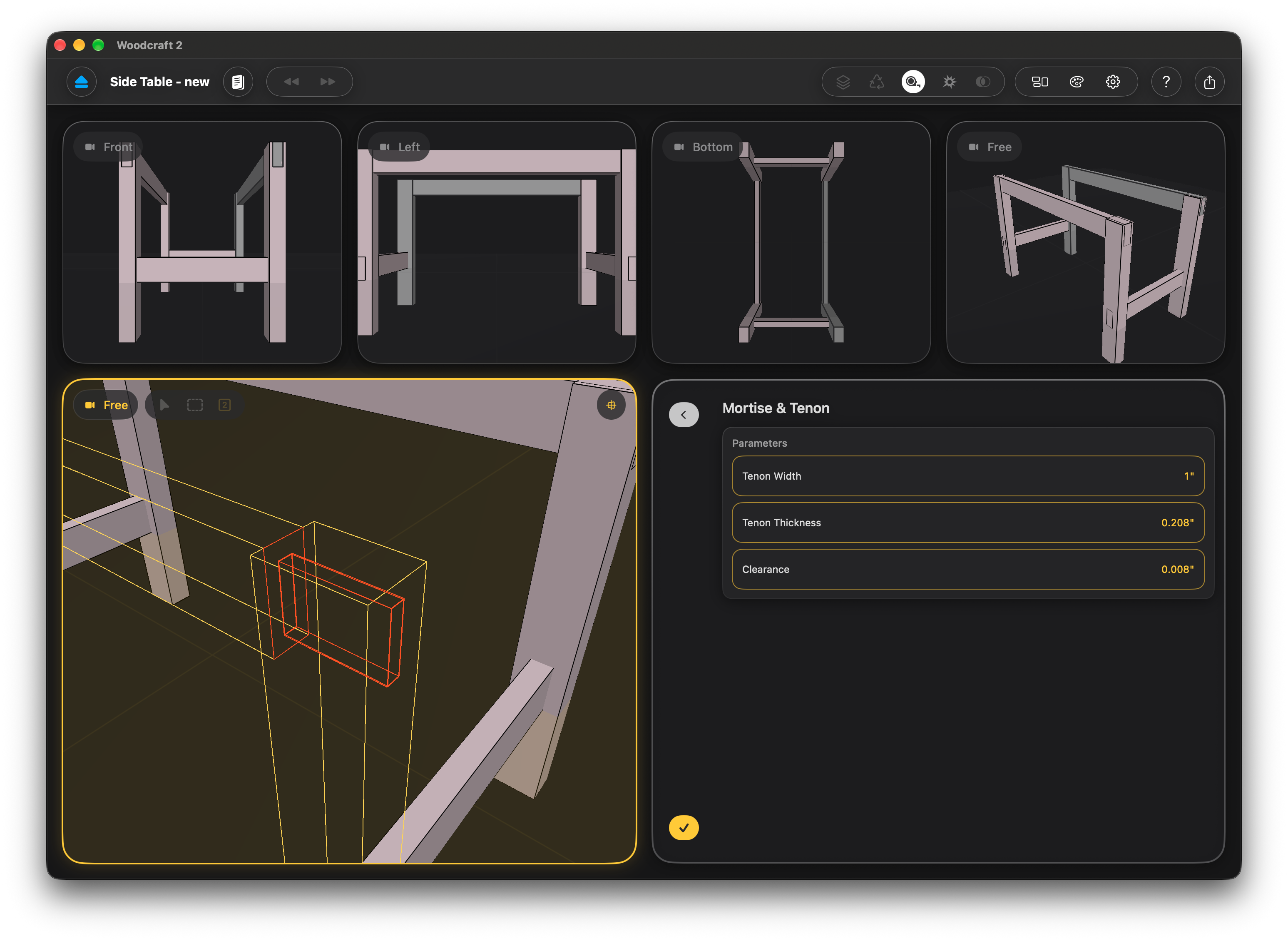
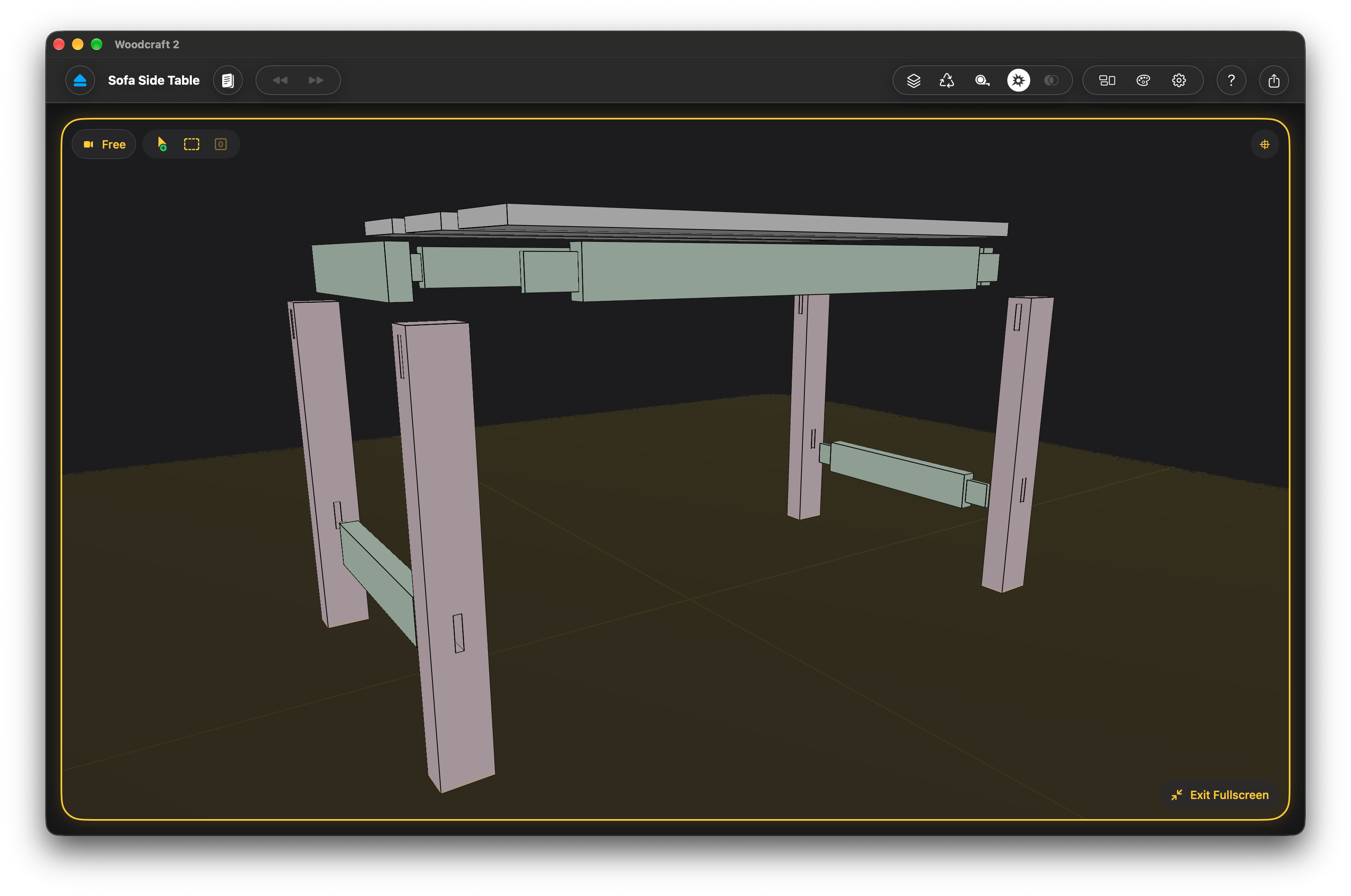
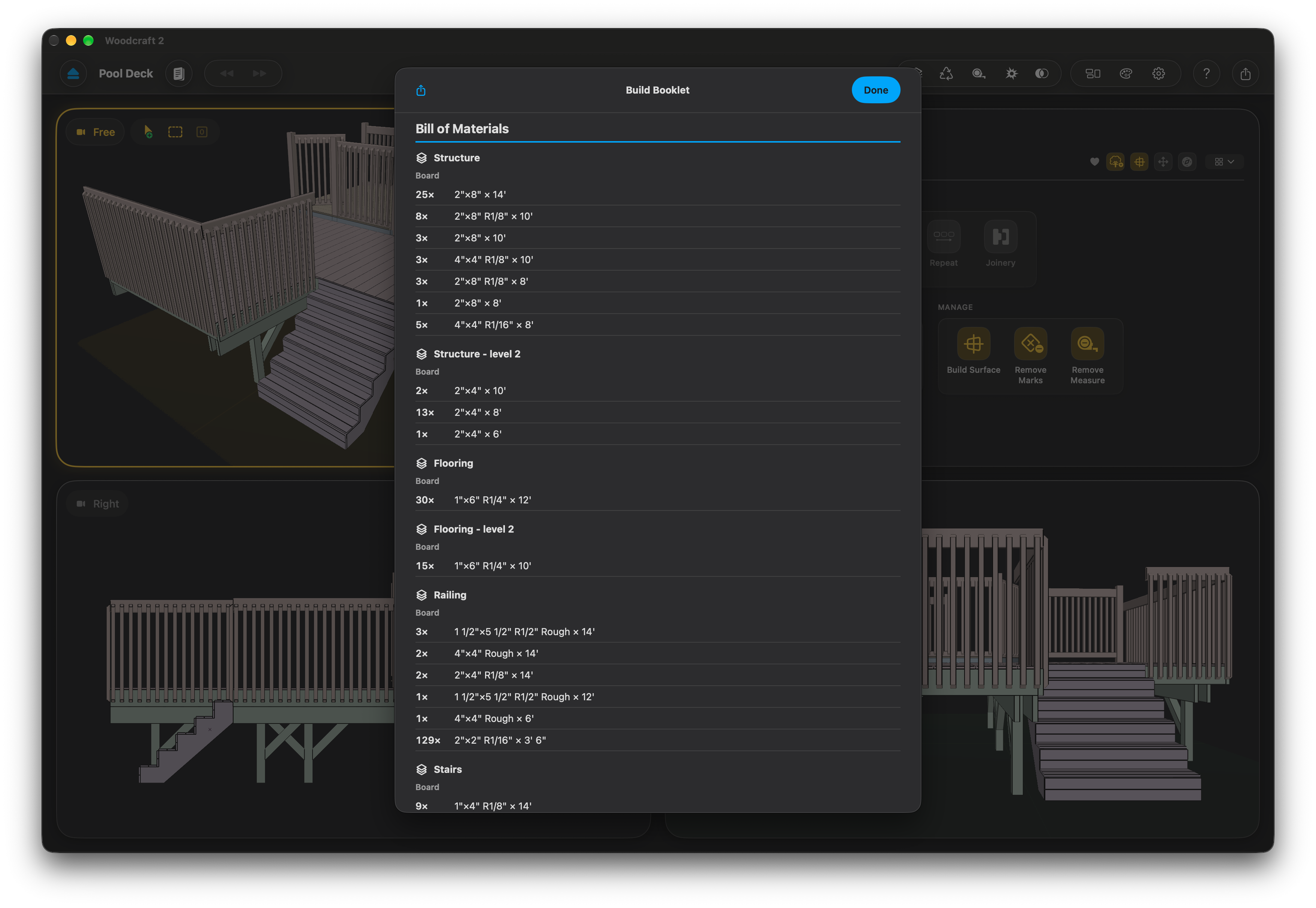
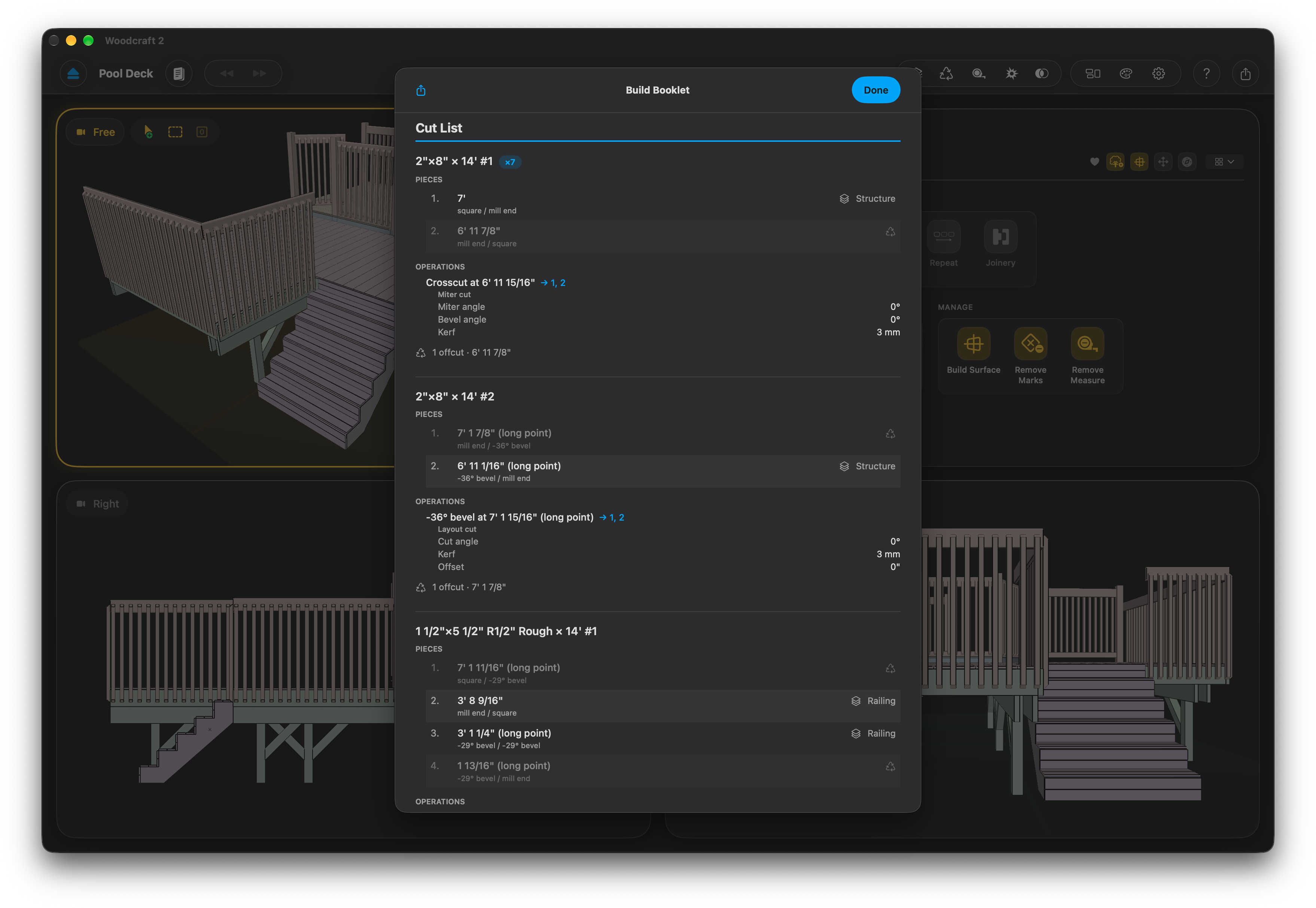
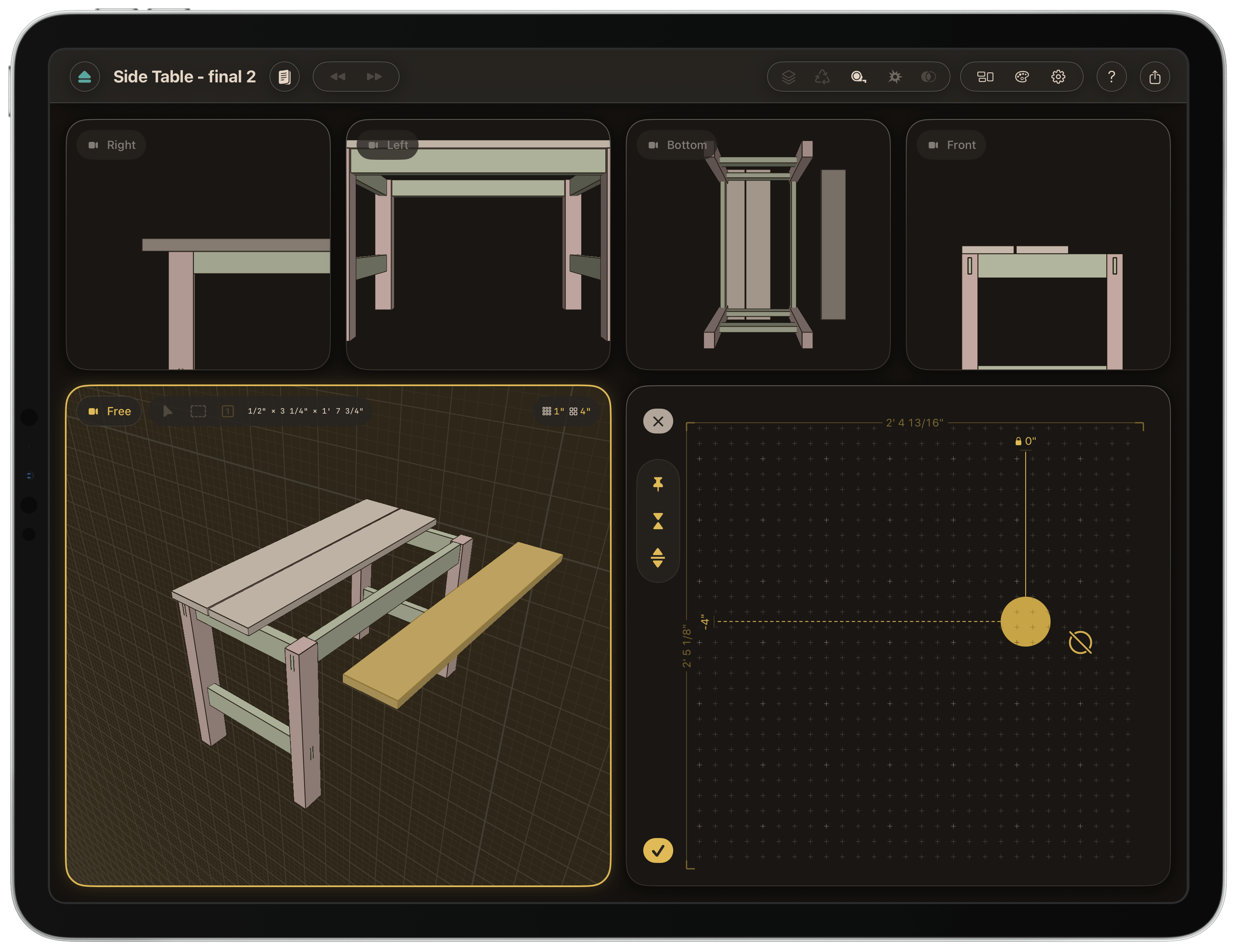
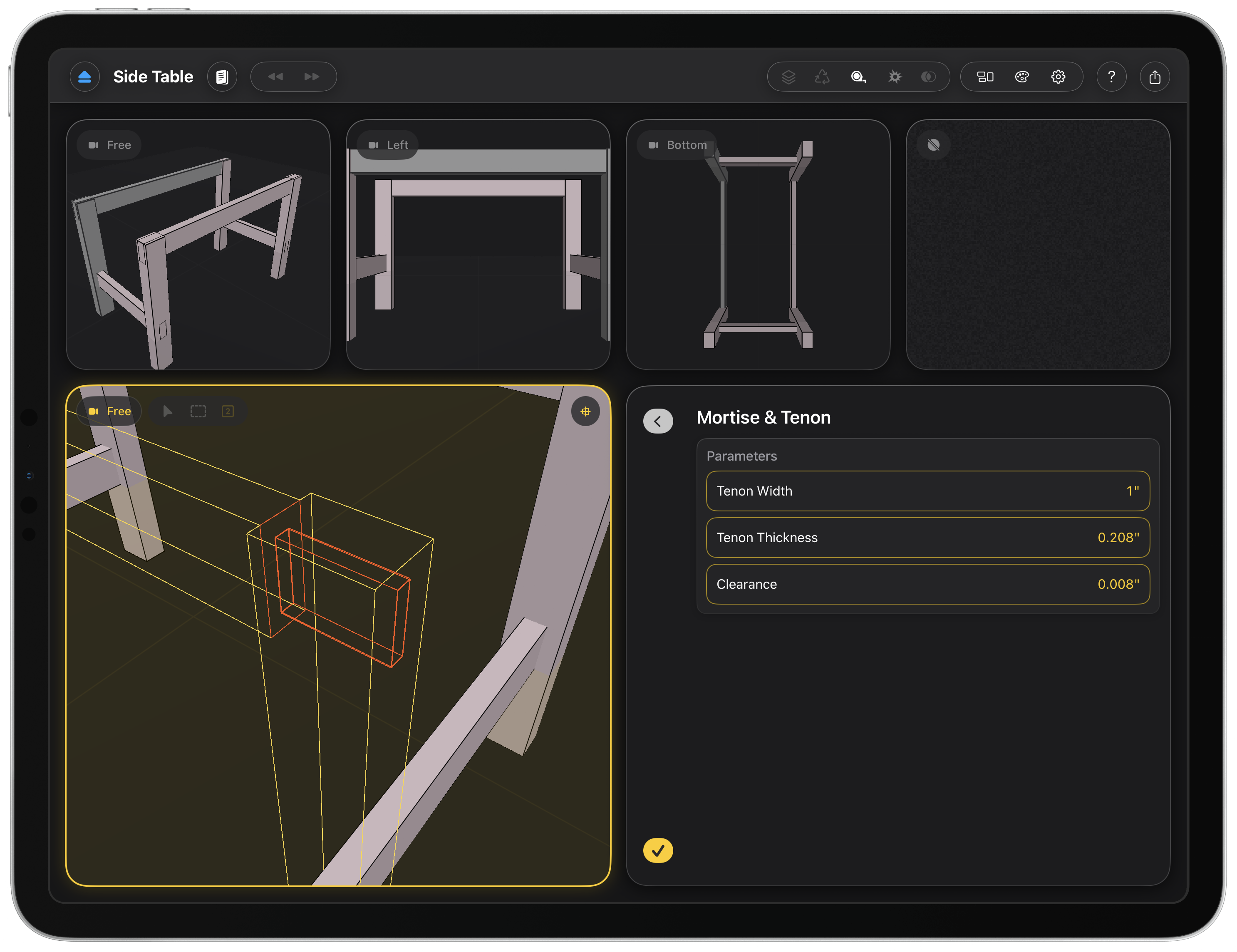
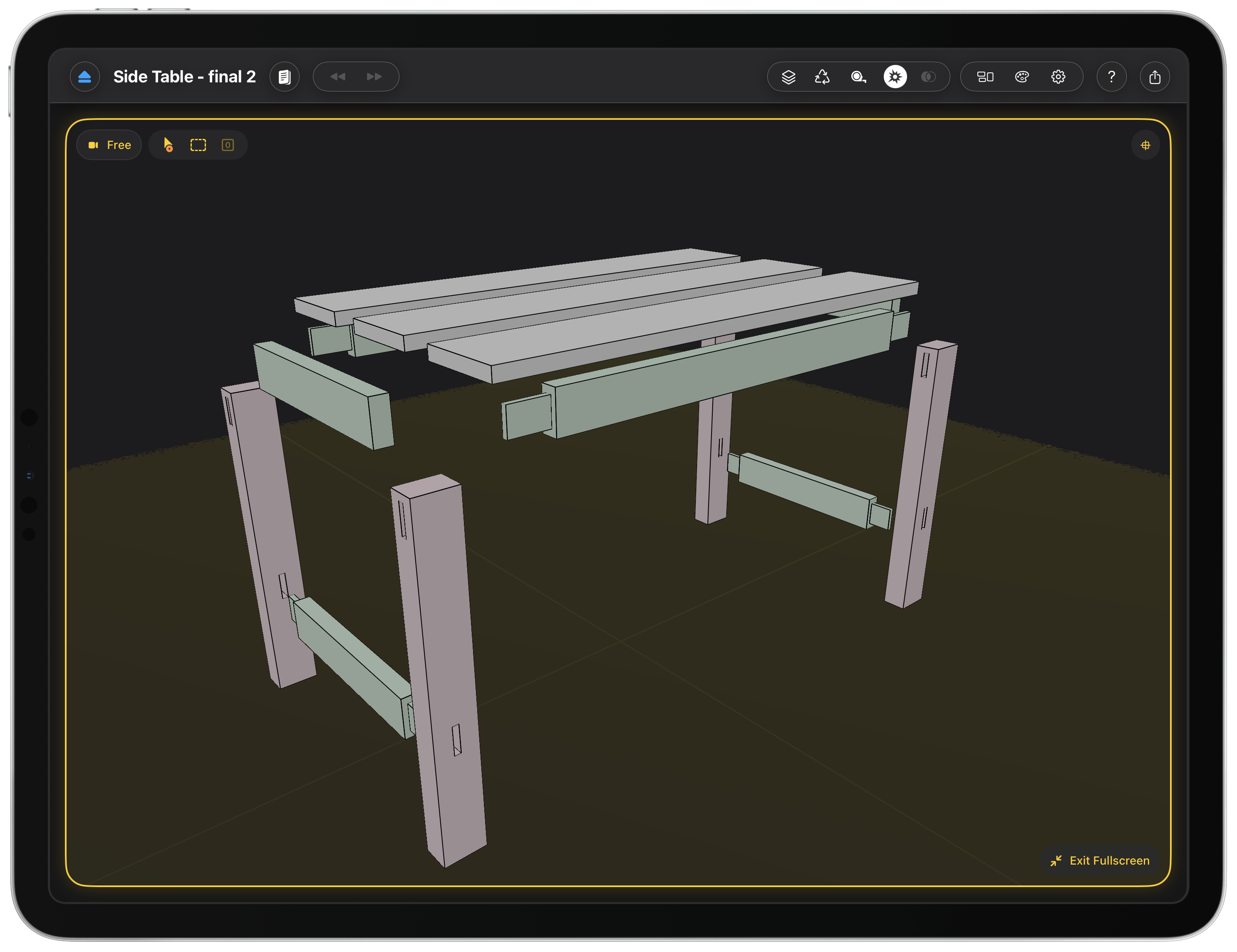
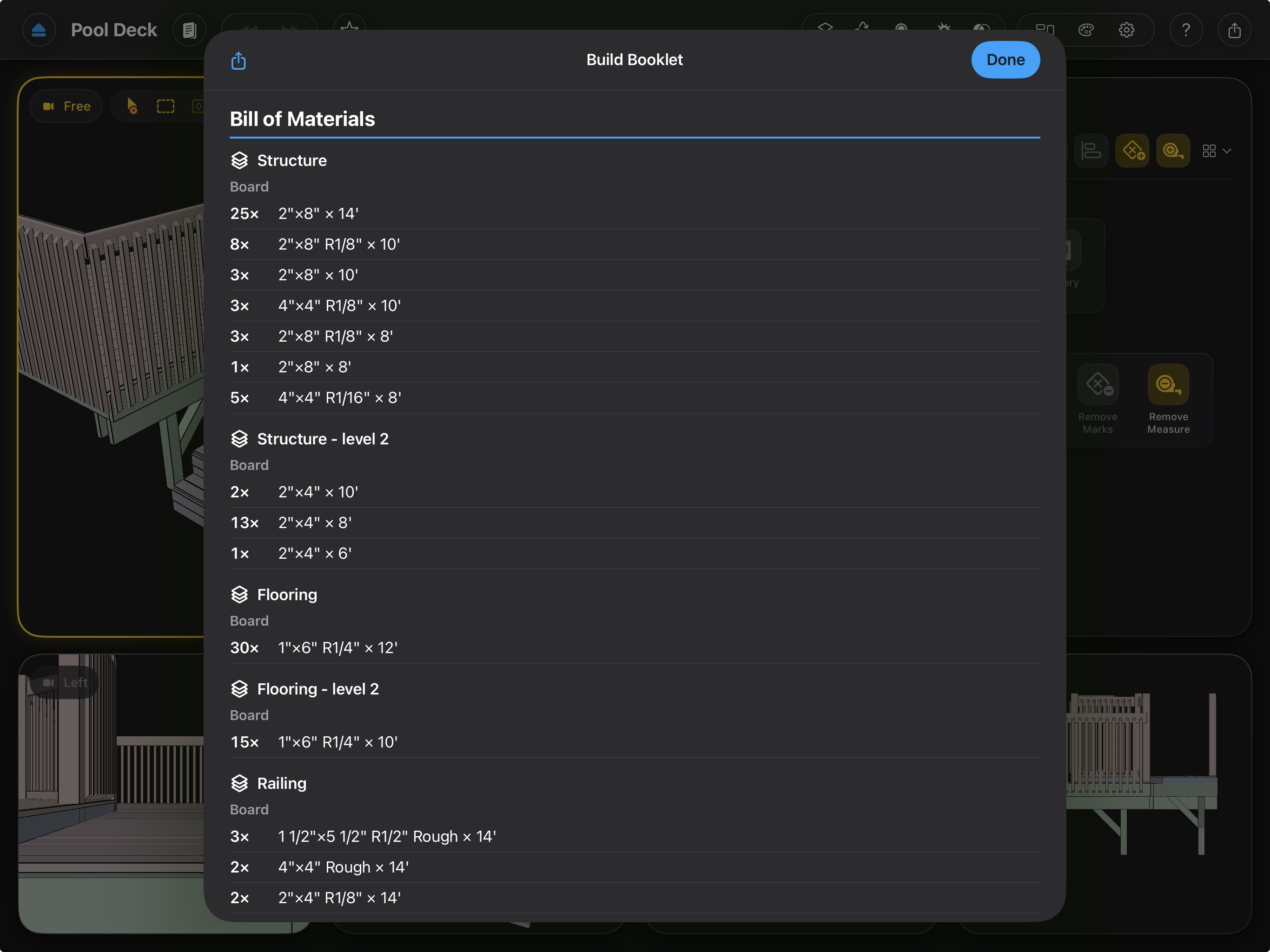
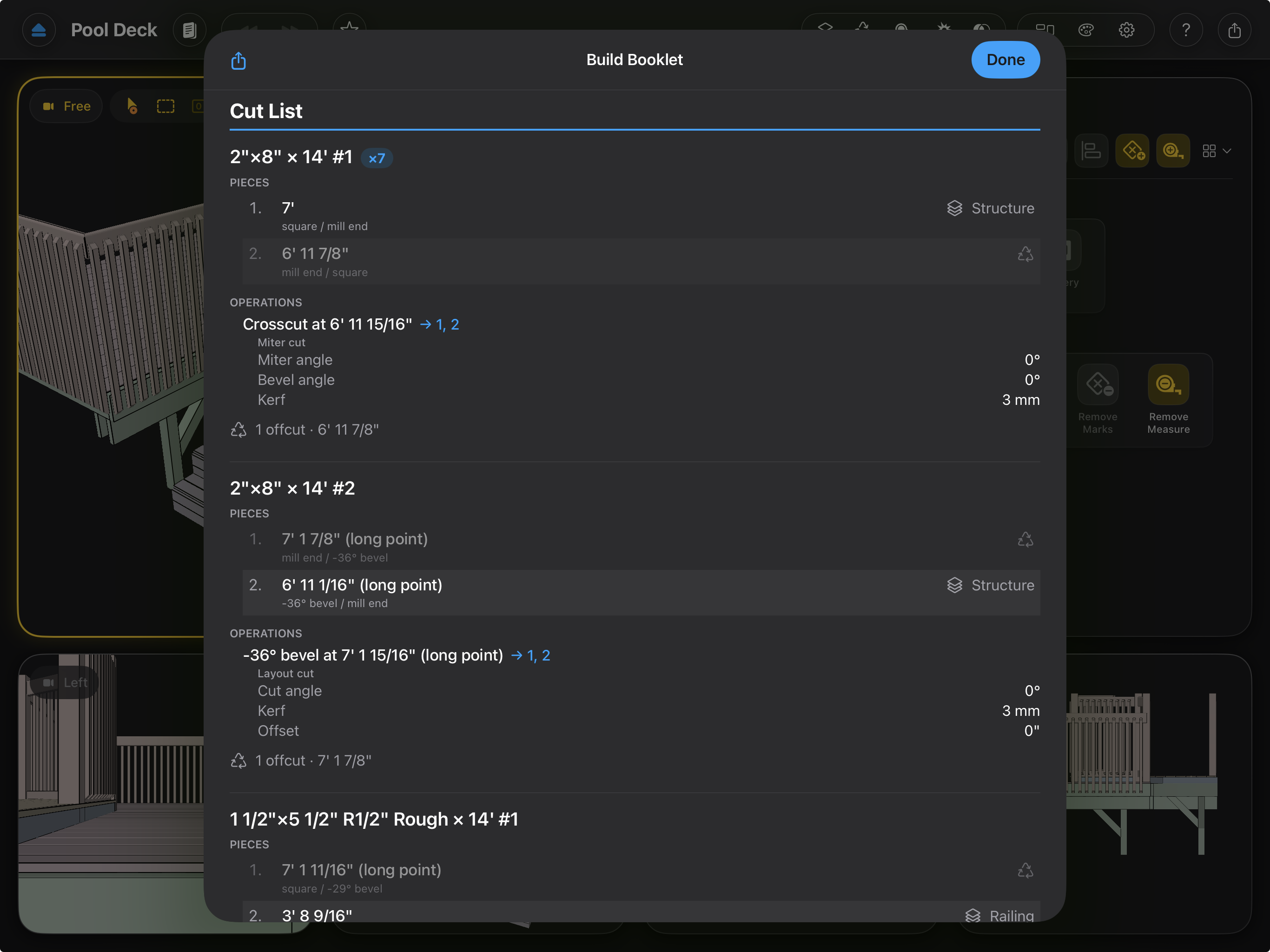
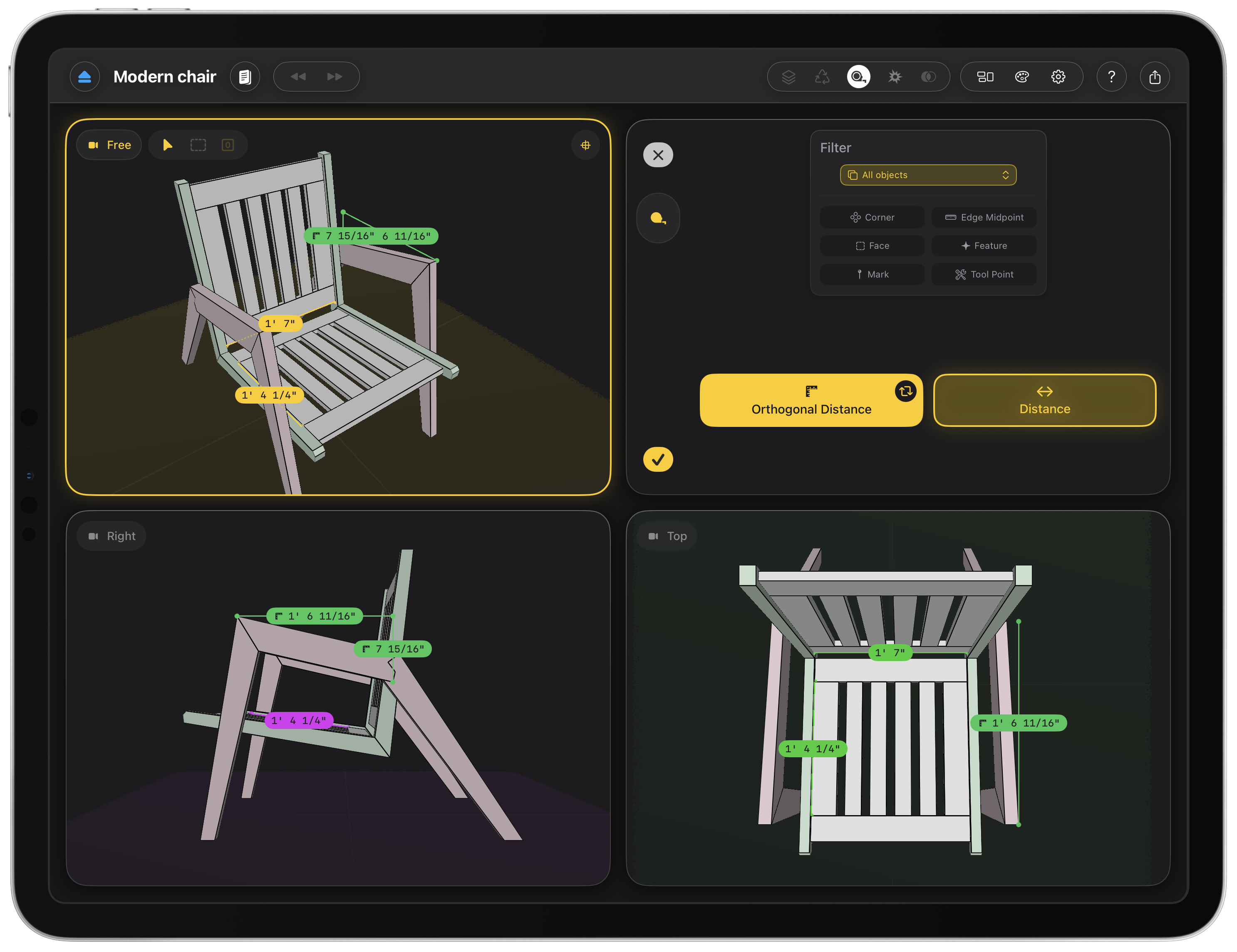
CAD is where most woodworking projects die. The pro packages are expensive, subscription-locked, and modelled on machine shops, not benches. Woodcraft works the way woodworkers think: add real lumber at real dimensions, cut it with a miter saw that accounts for blade kerf, drop in mortise-and-tenon or half-lap joints that generate their own geometry, and read fractional measurements off the model. The bill of materials and cut list update live, organized by stock, so the plan you leave with is one you can take to the shop.
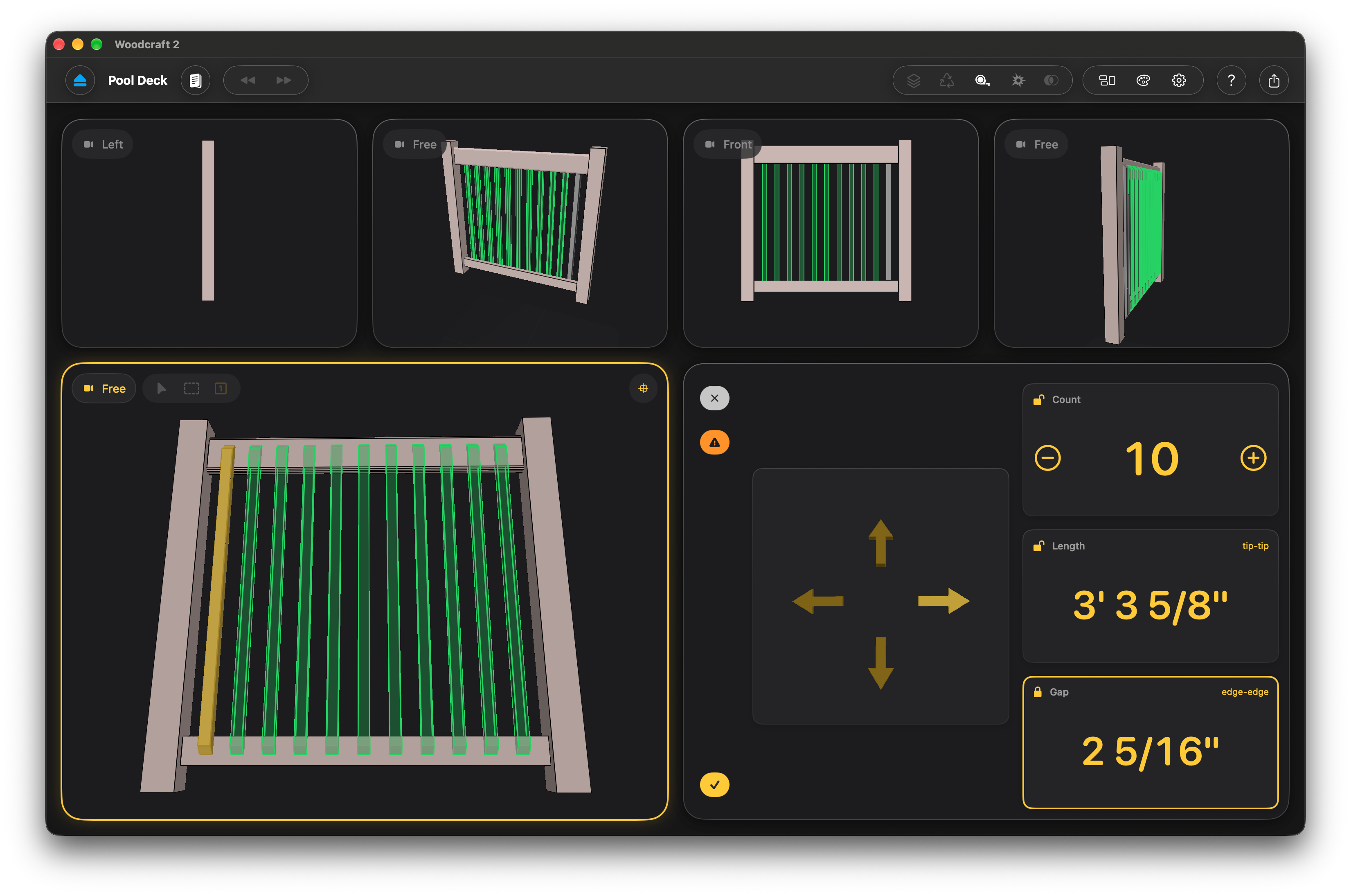
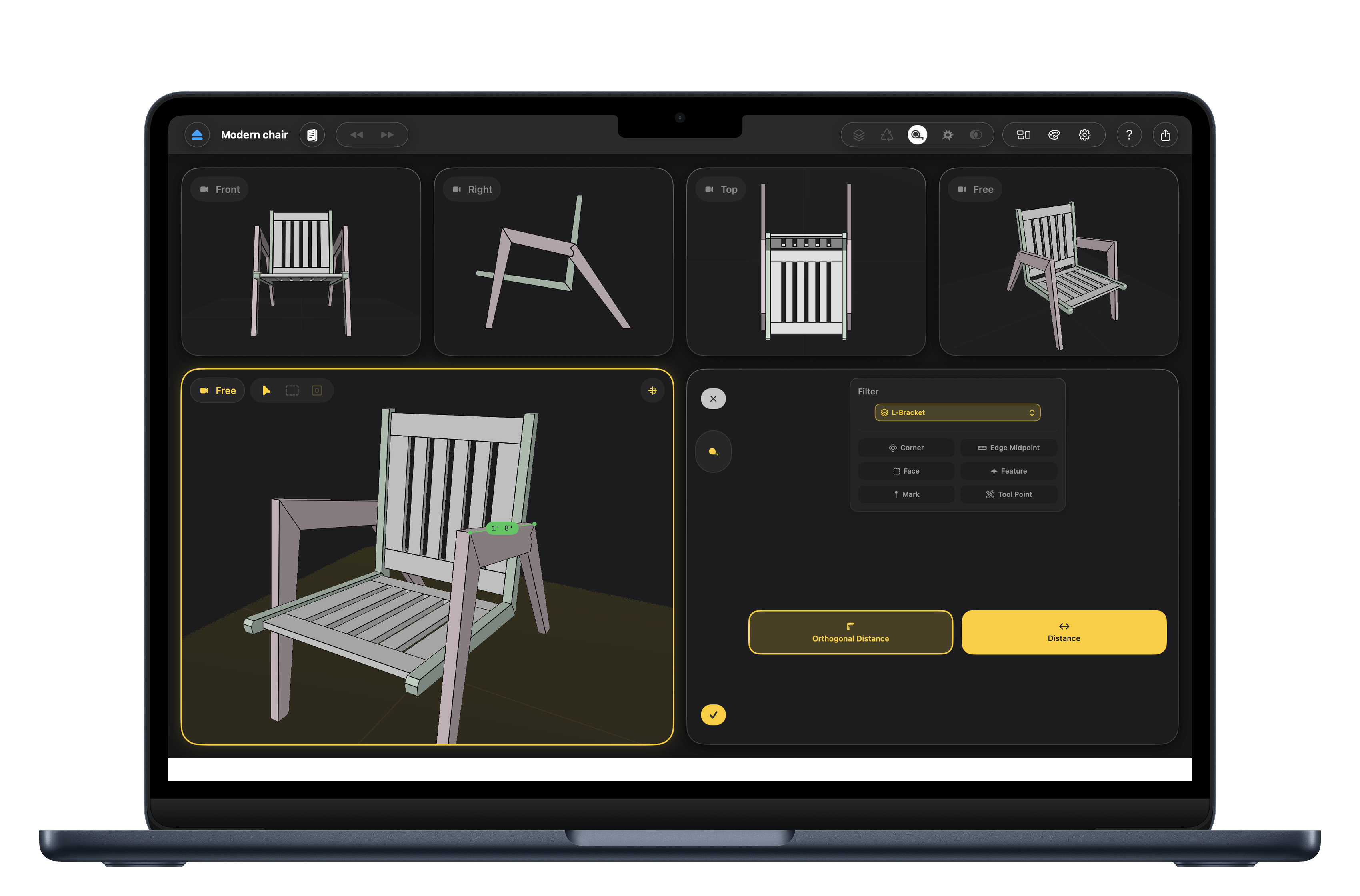
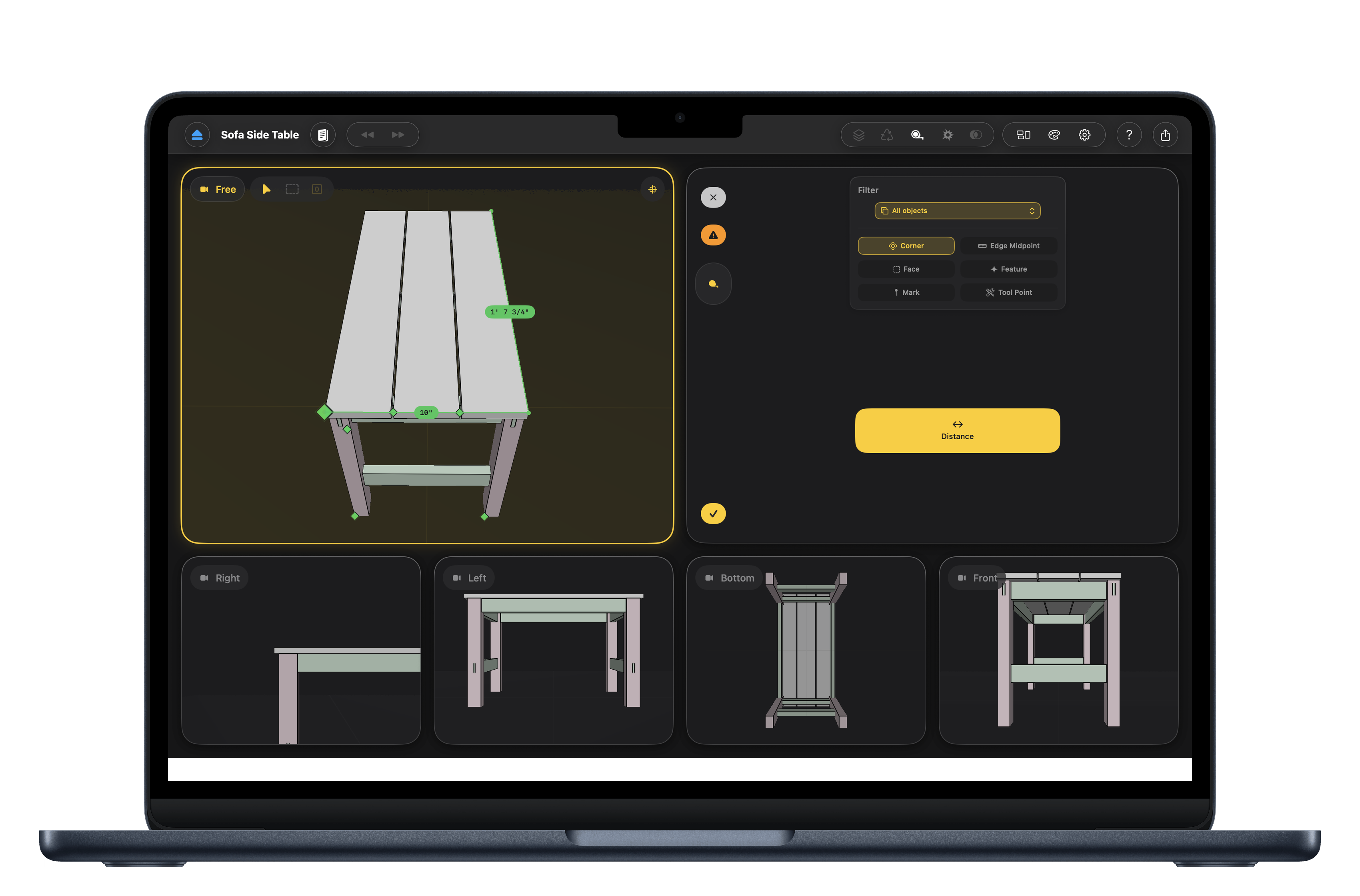
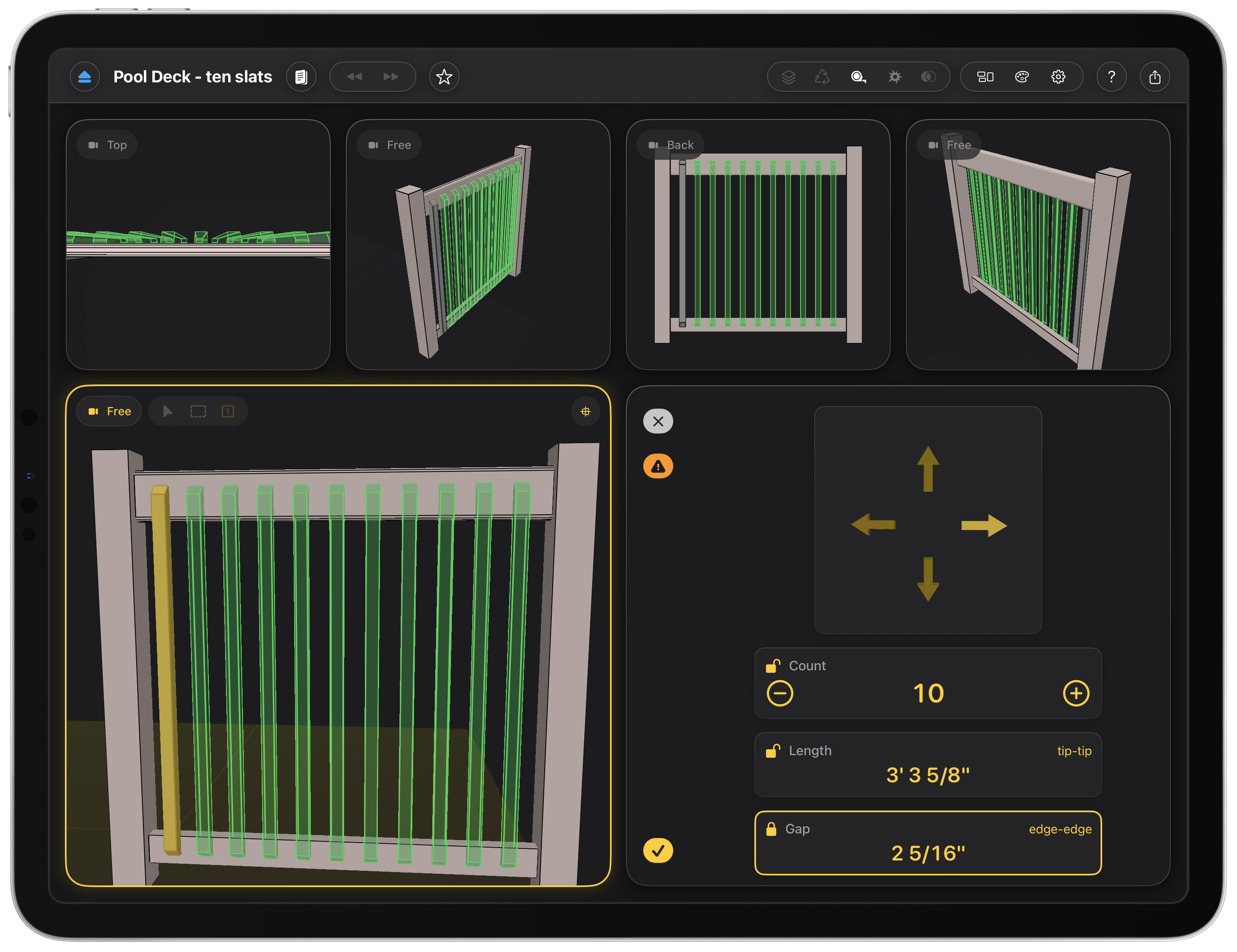
Eight years of design and iteration went into this. Not because the geometry is hard, but because making a shop feel obvious on a touchscreen took that long to figure out. Woodcraft's answer is indirect manipulation: tools don't float over your model, they live in their own viewport with a full, rich interface. On an iPad that means your hand never covers the work you're measuring. On a Mac it means the tools can offer controls a floating overlay could never hold. That's which is exactly why traditional CAD, built on overlays, has always had to keep them small.
It's native Swift and SwiftUI with a Metal renderer. Any design can leave the screen: send a model to an iPhone or iPad and stand it on the floor at full scale in augmented reality, or, on macOS 27, push it live to Apple Vision Pro through the new SpatialPreview framework and keep editing at the desk while the piece sits beside you. Walk around a piece before you cut anything and you find out what the drawing never told you.
Buy it once and it's yours. Each app is a one-time purchase: no subscription, no expiry, and early buyers keep their price as the app grows.